People.
Shift schedules, working time and team skills.
The supervisor plans shifts on each line, taking leave and employee skills into account. Employees see their schedule on their phone, so there is no sheet to pin up and correct on the notice board.
- Schedule by line and workstation
- Leave and absences visible while planning
- Schedule in the employee mobile app
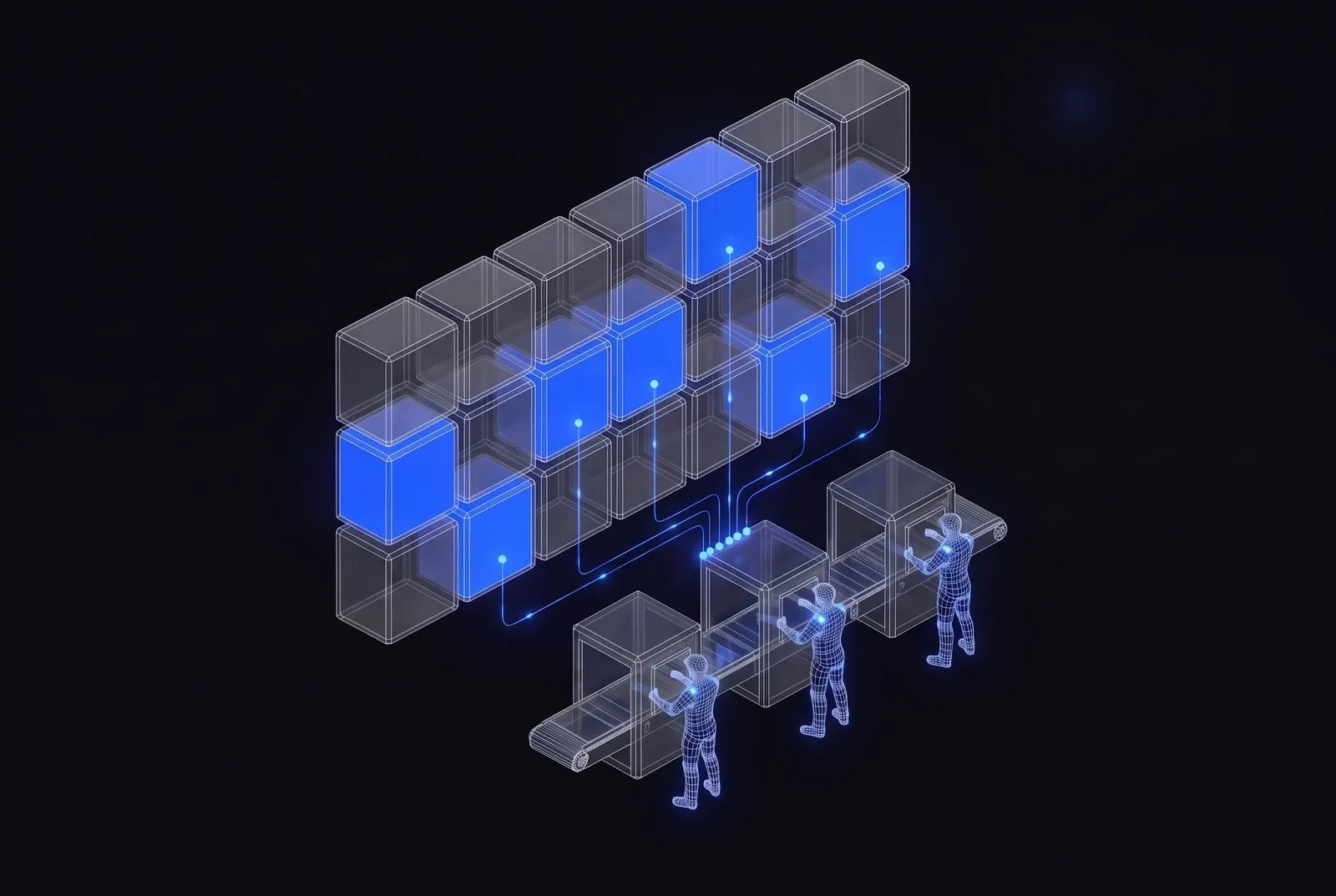
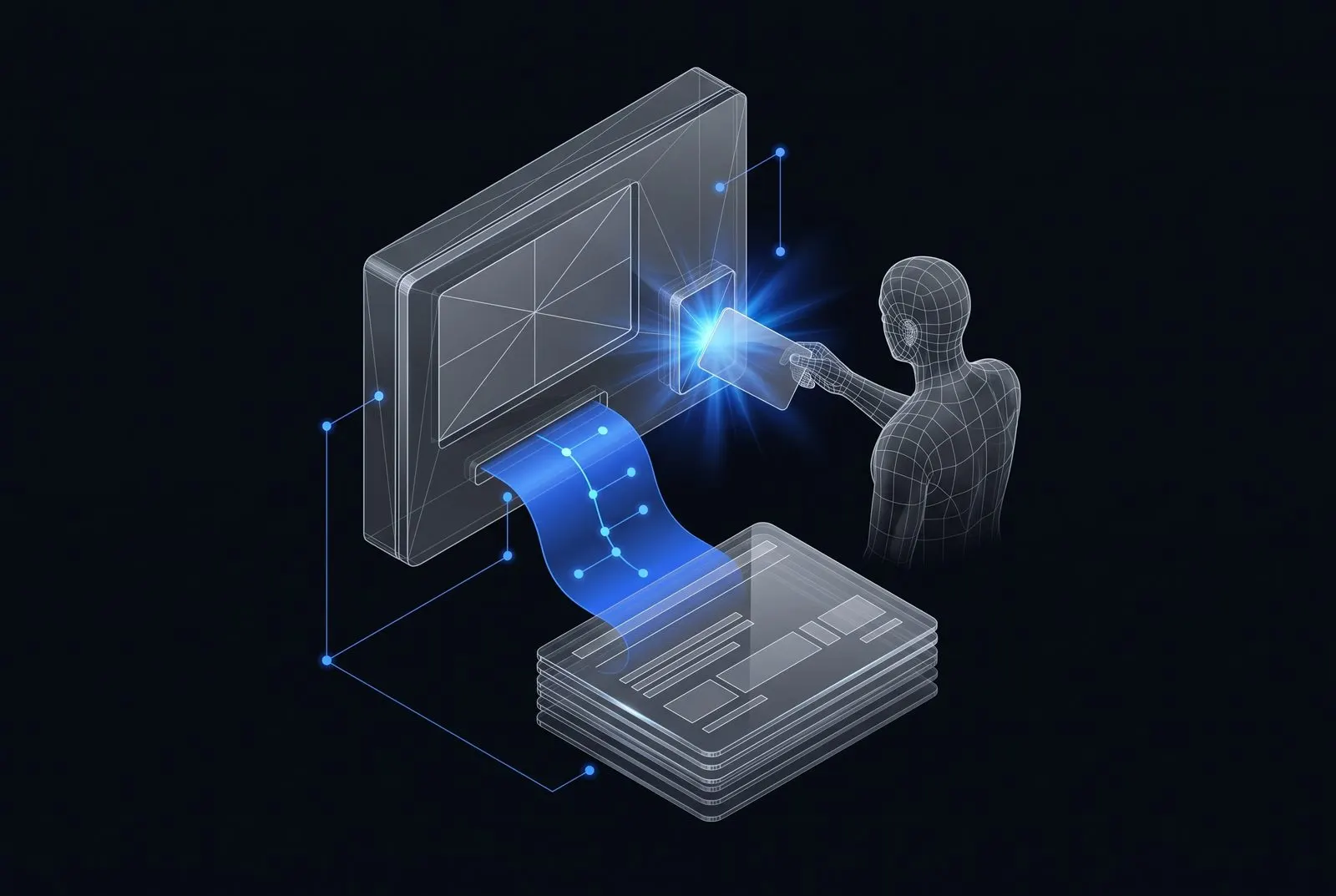
Clock-ins and clock-outs are recorded on a terminal or a phone, and overtime is calculated automatically. HR gets a payroll summary without retyping attendance sheets.
- Time recorded on a terminal or a phone
- Overtime and absences in one summary
- Export to the payroll software
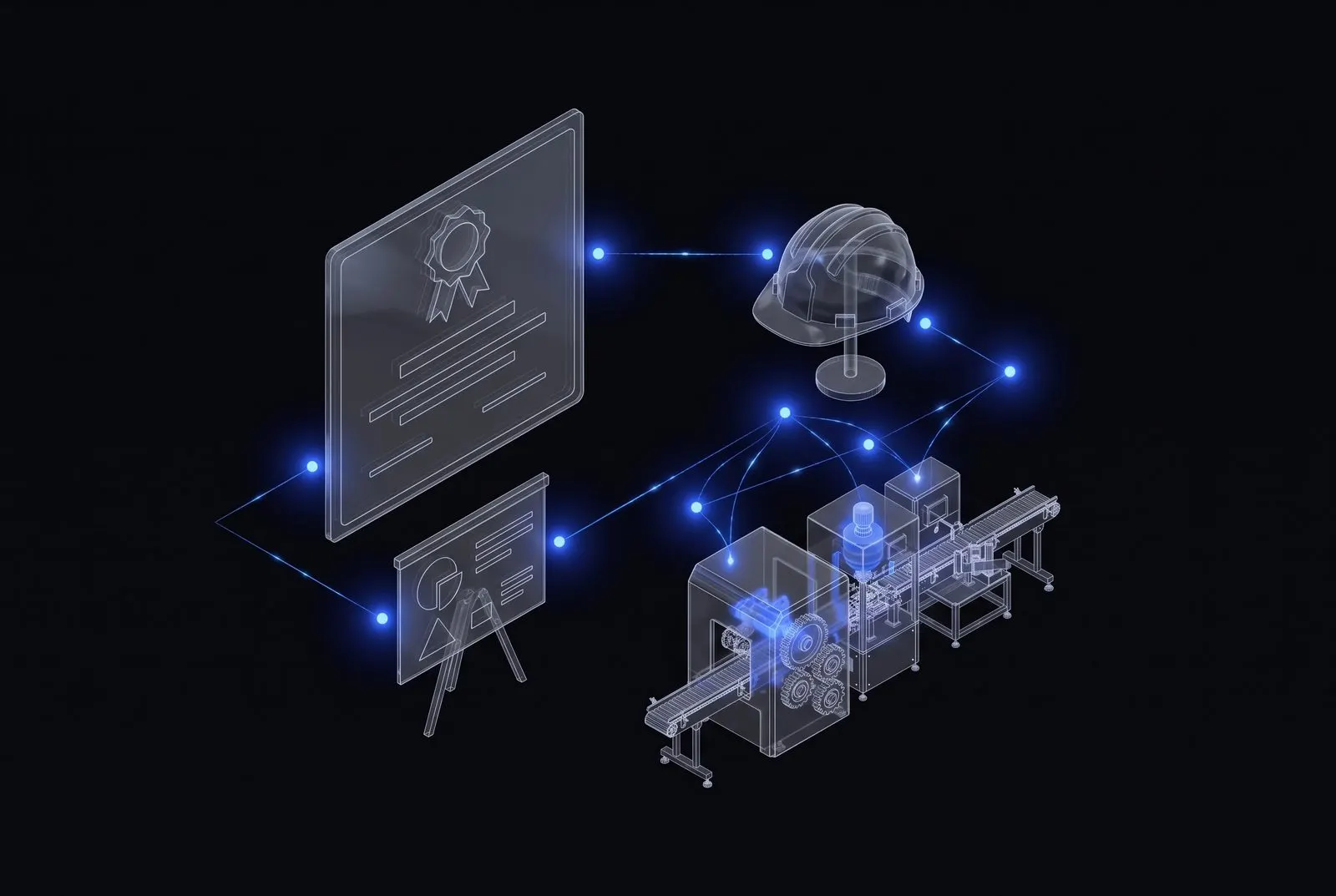
Health and safety training, workstation training and permits are stored with each employee, together with their expiry dates. The system sends a reminder before anyone works a machine without valid training.
- Permits linked to each employee
- Reminders before training expires
- List of people cleared for each workstation
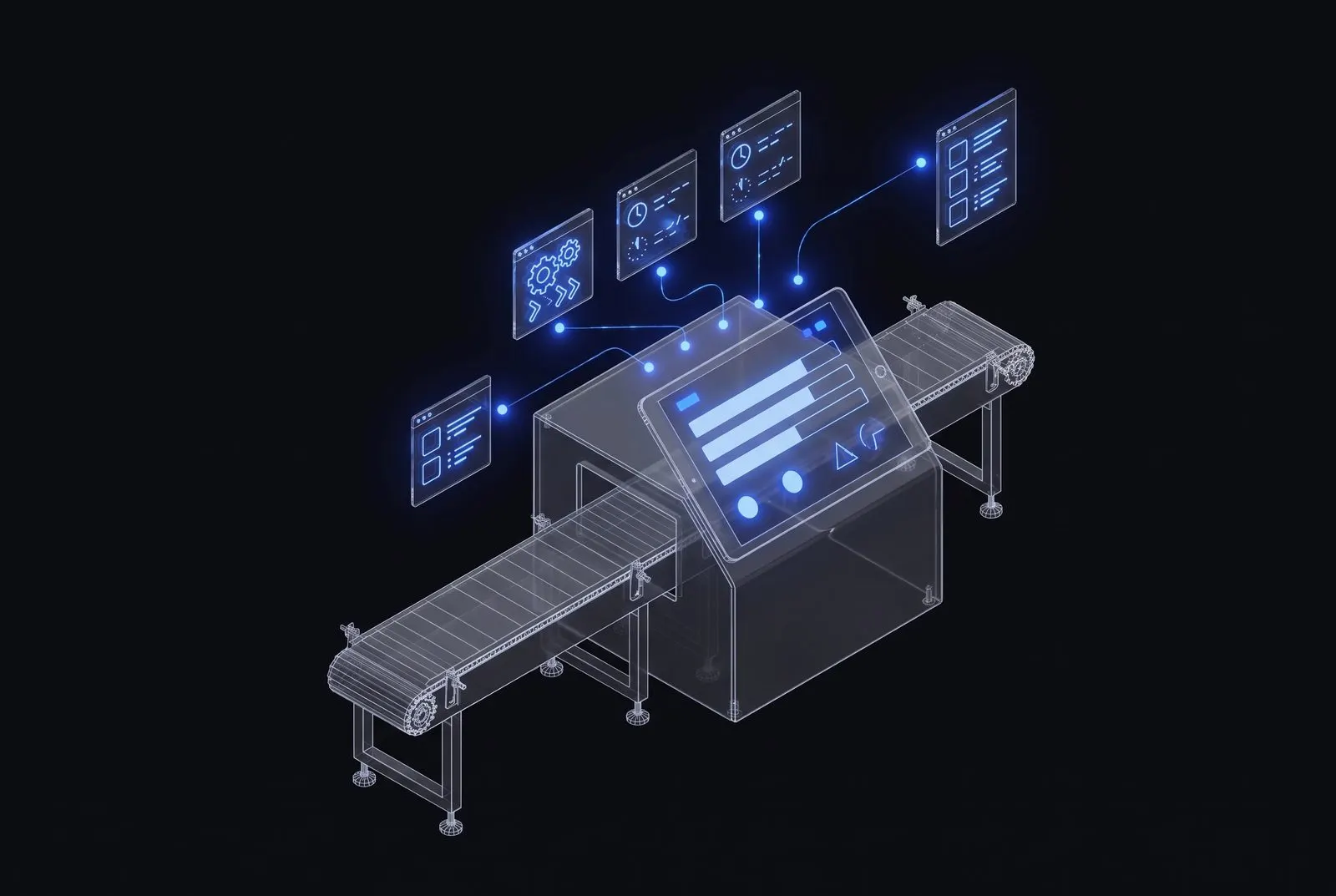
The team leader closes the shift on a tablet: quantities, downtime, notes. In the morning the manager has the report in the system, not a notebook to read and retype.
- Shift report from a tablet at the line
- Downtime with reasons
- Shift handover with notes

Let's see what AI can do in your company.
Companies that adopt modern systems now will be a step ahead of their competitors in a few years. Start with one process, and we add the rest in stages.
Book a call →